
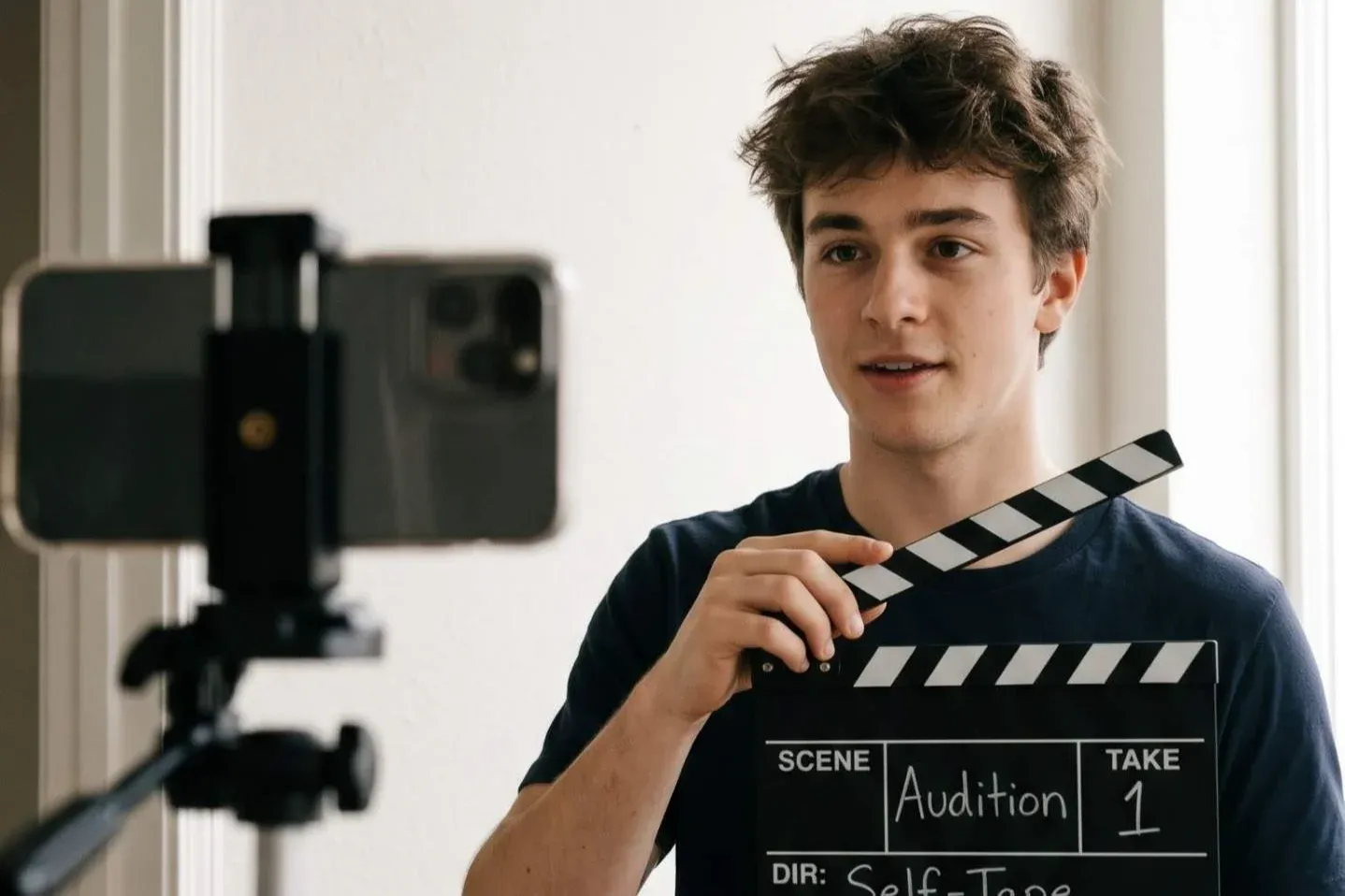
The Self-Tape: How to Shoot an Audition Video That Gets Watched
Most auditions now begin on a phone screen. A casting team may see dozens of videos in one sitting, and a shaky, dark or noisy tape gets skipped in seconds. The good news is that a strong self-tape needs no studio, only a few smart choices.
1. Fix the light first
Face a window in daylight, or place a lamp just behind the phone. Never stand with the window behind you, because your face turns into a shadow.
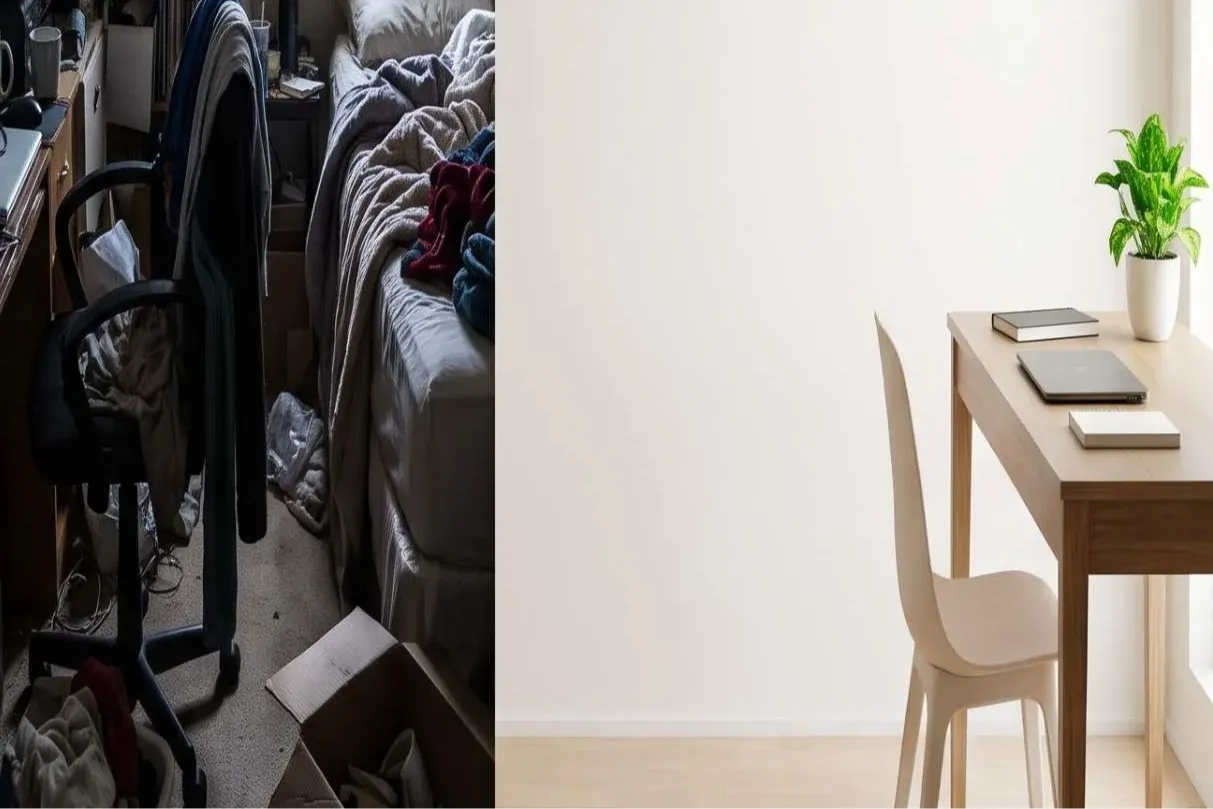
2. Keep the background plain
Use a clean wall in a light, neutral colour. Remove clutter, posters and clothes on hooks. The casting team should look at you, not at your room.
3. Frame it right
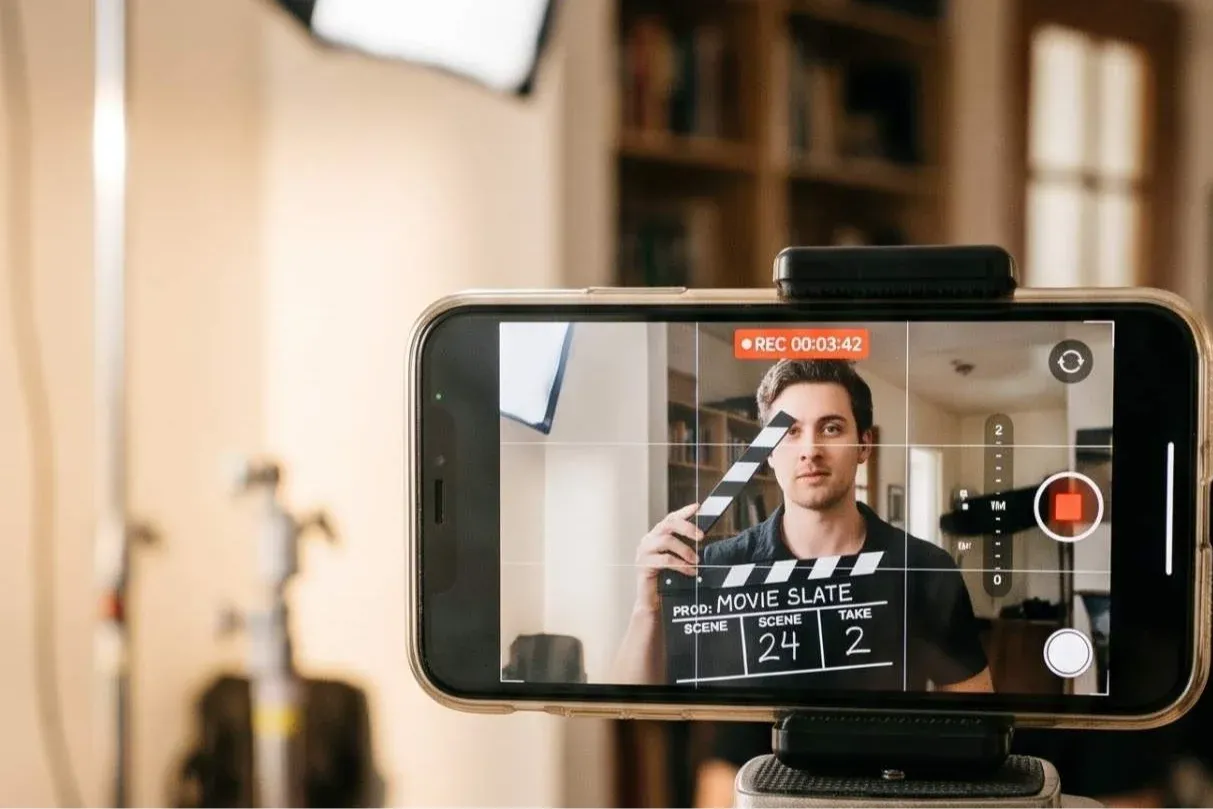
Prop the phone at eye level, in landscape, on a tripod or a stack of books. Keep your face and shoulders in frame, and leave a little space above your head. Look at the lens, not at the screen.
4. Start with a short slate
Say your name, city and height in one calm line, then begin the scene. It takes five seconds and makes you easy to remember and to contact.
5. Protect the sound
Close the windows and switch off the fan. If a friend reads the other lines, ask them to stay off-camera and speak softly. Clear sound matters as much as a clear picture.
6. Keep it short and send it clean
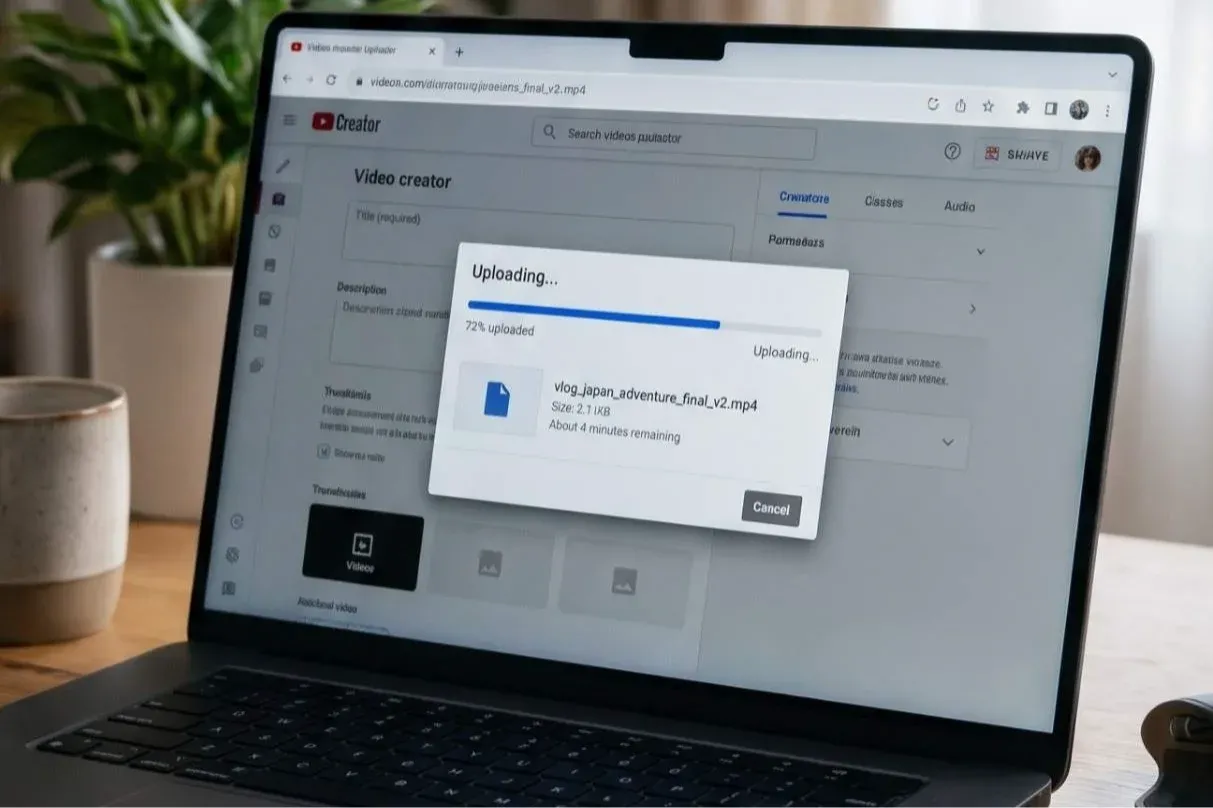
One strong take is better than five tired ones. Trim the ends, keep the file name simple (Name_Role_City), and upload it as a link that opens without a login.
A self-tape is your first meeting with a casting team, so make sure it shows you at your best. Record the take, watch it once as a stranger would, and send it only when you would stop scrolling for it yourself.
Images in this issue were AI-generated for illustration.